
How to manage LinkedIn replies in the Quicklead Smart Inbox
 3:01
The video plays from YouTube when you press play. Watch on YouTube
About this video
Never miss a reply again. See how Quicklead’s Smart Inbox brings every LinkedIn conversation into one place, so you can respond faster and keep deals moving.
In this video
- Every LinkedIn conversation in one inbox
- Replying without opening LinkedIn
- Keeping deals moving after the first reply
More Quicklead videos
 1:30
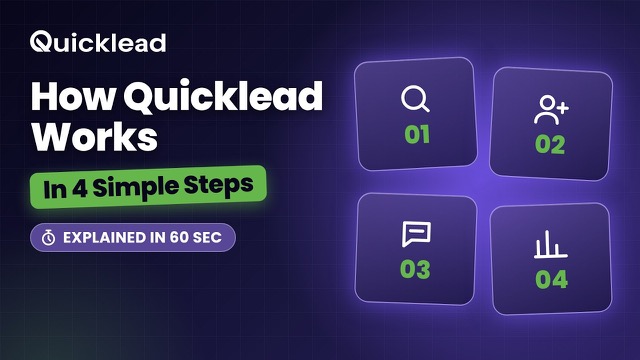
How Quicklead works in 4 simple steps
The full flow in 60 seconds: import leads, connect with the right people, send personalized messages and track results from one cloud dashboard.
 2:29
How to connect your LinkedIn account to Quicklead
Securely connect LinkedIn so your campaigns run in the cloud, even when your laptop is off.
 3:30
How to import LinkedIn contacts into Quicklead
Bring contacts in from LinkedIn search, Sales Navigator or a CSV before you launch a campaign.
Related
Read more on this topic
A calendar full of booked calls starts here.
Start today and get your first replies this week. Seven-day free trial, full product access, no credit card.
No credit card required · Full product trial · Cancel any time